The same cut-out on four backgrounds. Only the car comes from the API; the background is yours, from a page colour to your brand colour.
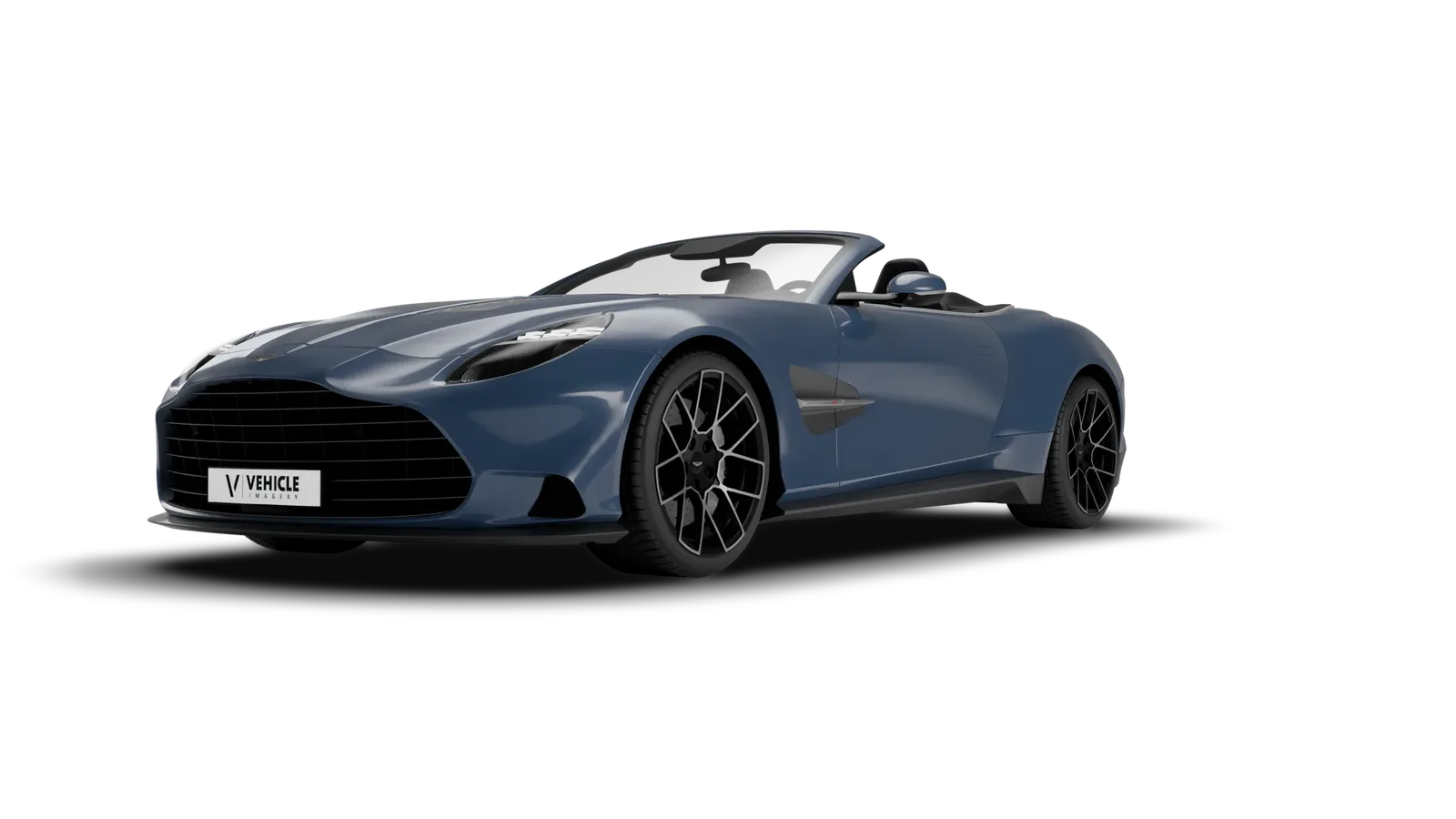
Homepage banners, newsletters, social posts, print ads: the car drops into your layout without anyone cutting it out by hand.
Add shadow=true and the cut-out keeps a soft ground shadow that falls on your background. Leave it out for the bare car.
background=transparent&shadow=true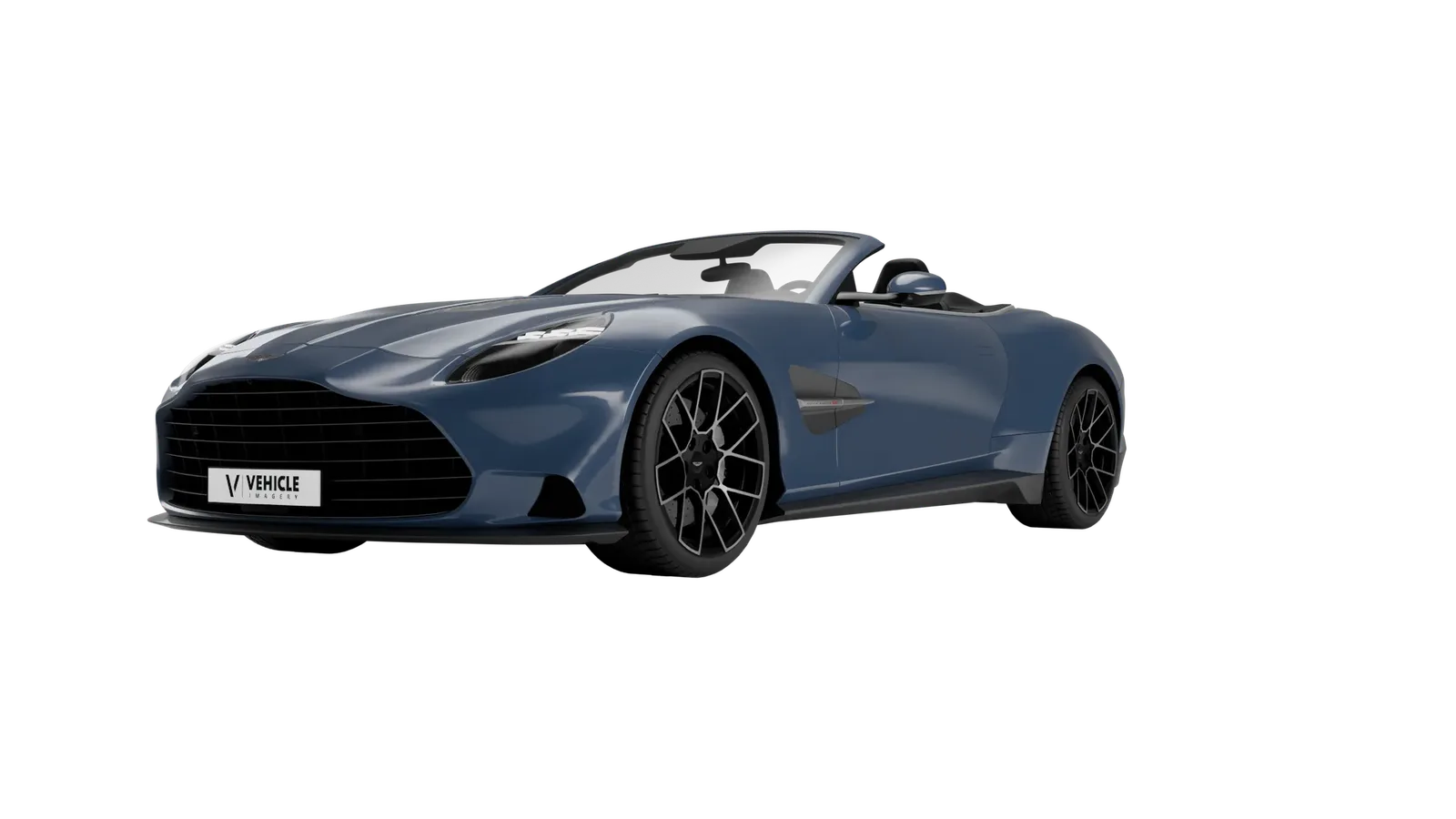
background=transparentPass a six-digit hex code as background and the whole studio comes back in that colour, shadow included. No cutting, no compositing.
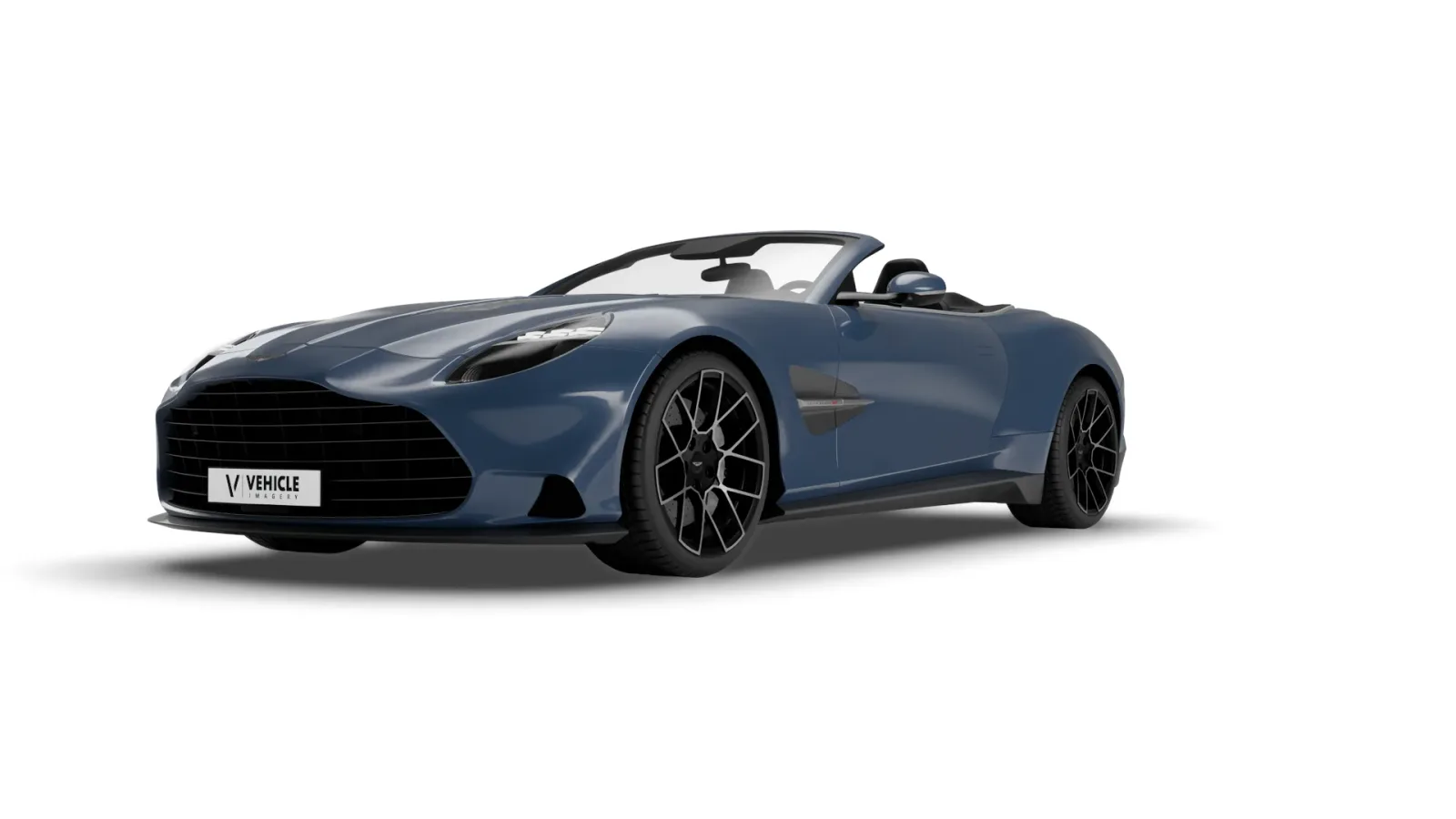
background=white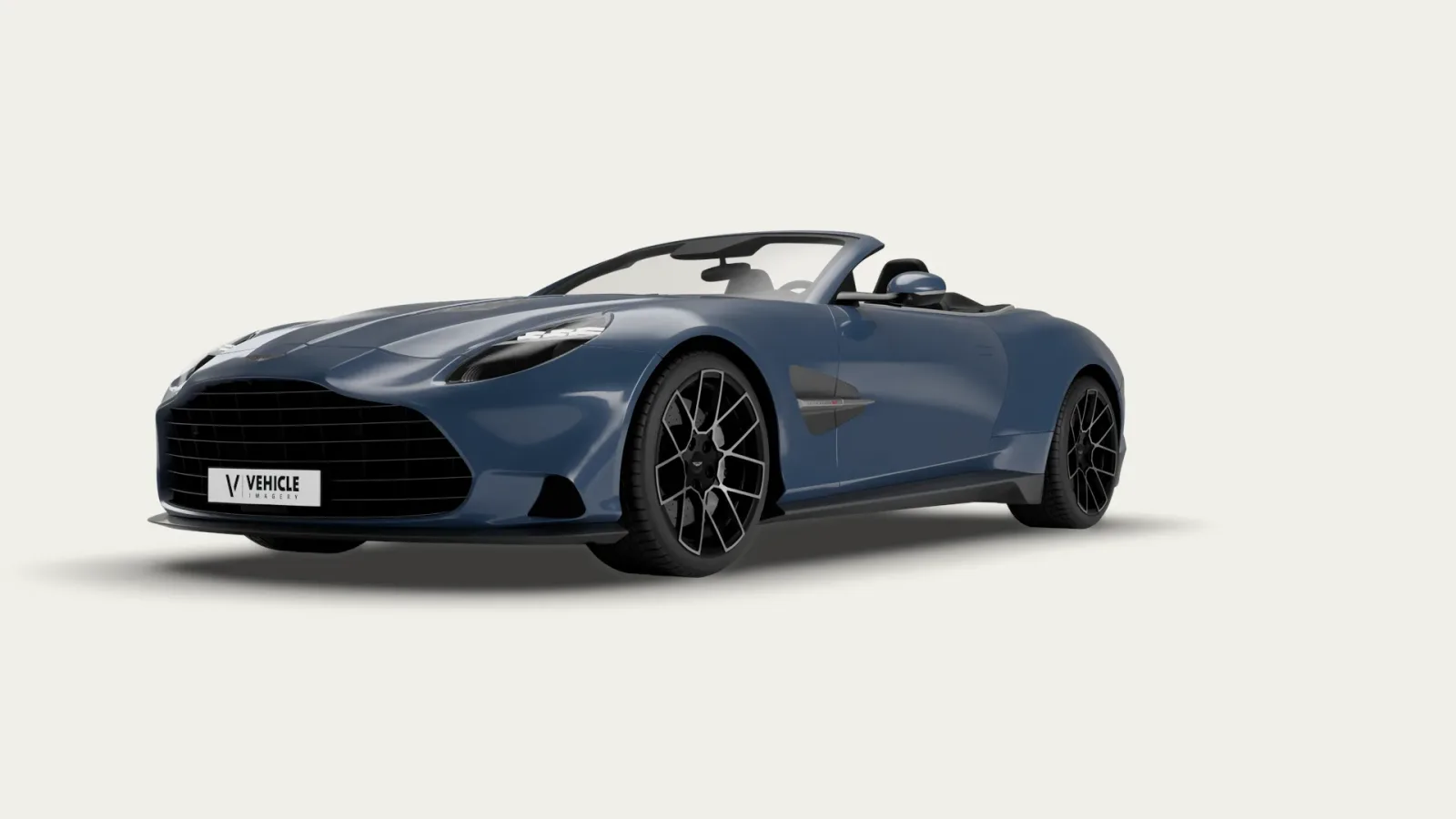
background=f1efe9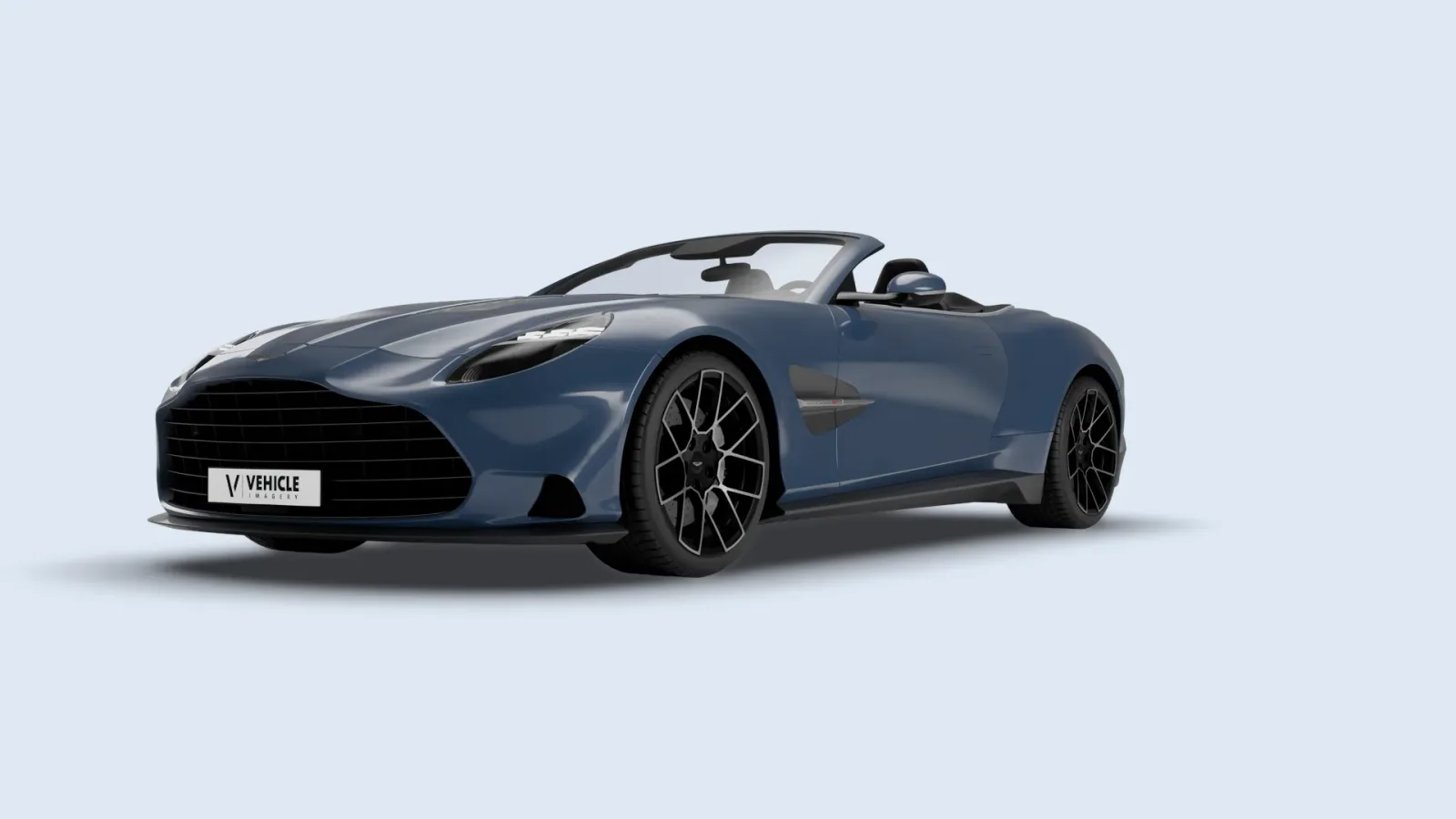
background=dfe8f3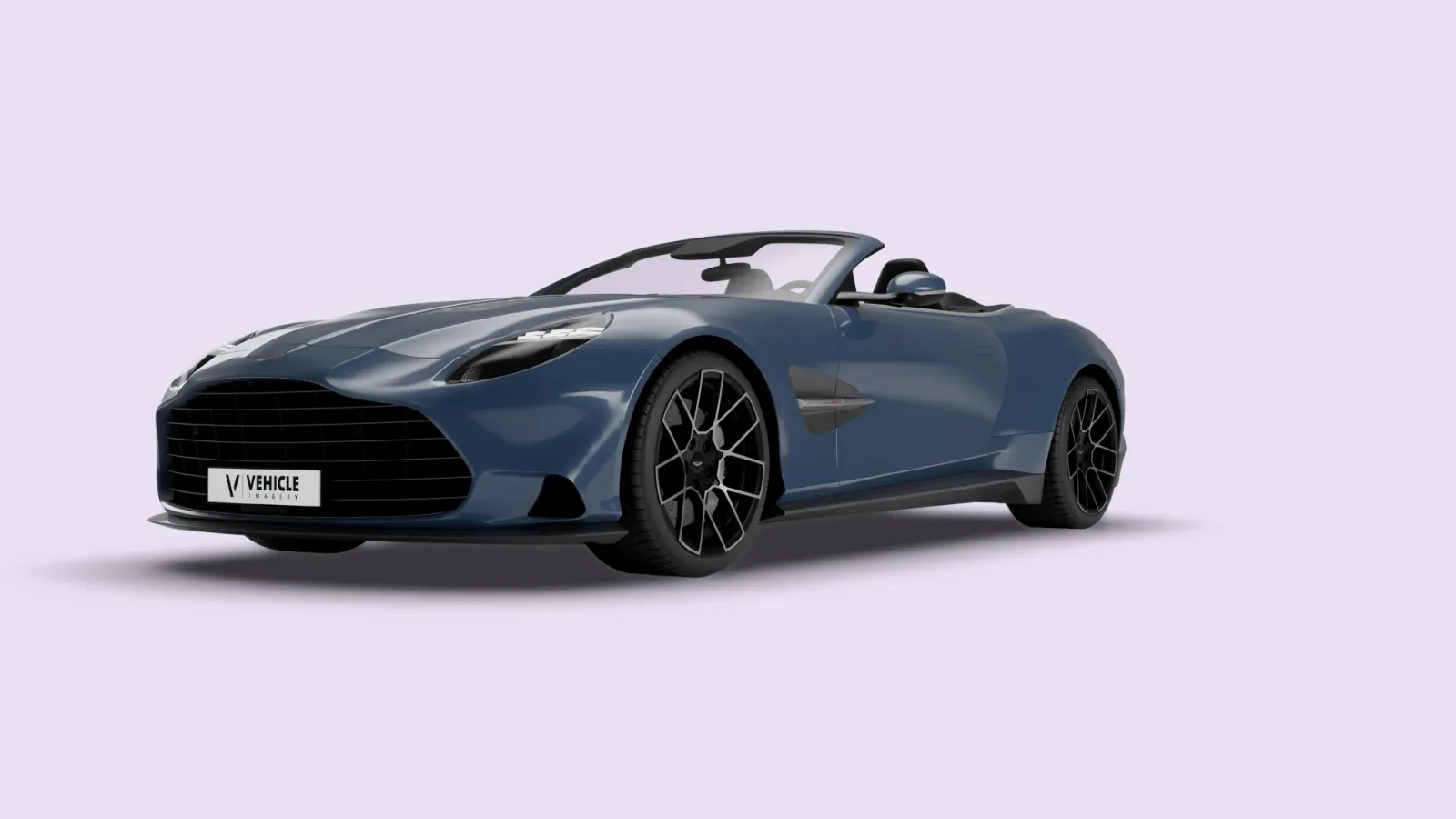
background=e9e1f2PNG, WebP and AVIF. JPEG has no transparency, so ask for one of the three.
If you ask for shadow=true, yes: the shadow is part of the image and falls on whatever is behind it. Without it, you get the bare car.
Yes. Pass a six-digit hex code as background and the studio comes back in that colour, shadow included.
Every exterior view does. Lifestyle scenes keep their scene; a background parameter is ignored there and the response says so.
Cut-outs work on every key with transparency=true. The background parameter with a hex colour is part of the API v2 add-on.
Tell us which vehicles you list and where the images go. We send back real examples from your own stock, cut out or on the background colour you need.