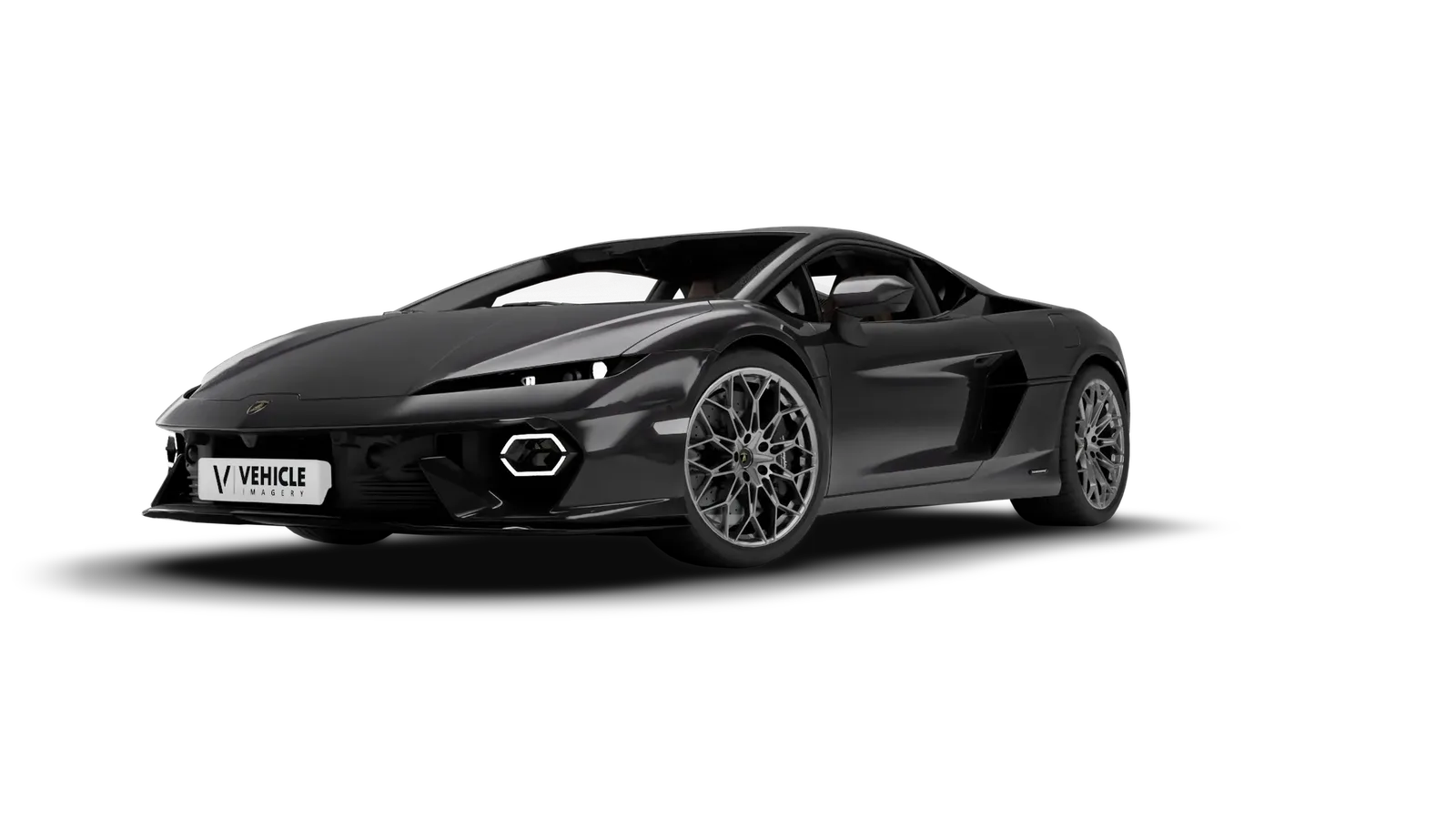
Set shadow=true and the car stands on a soft studio shadow instead of floating. Drag across the car to compare.
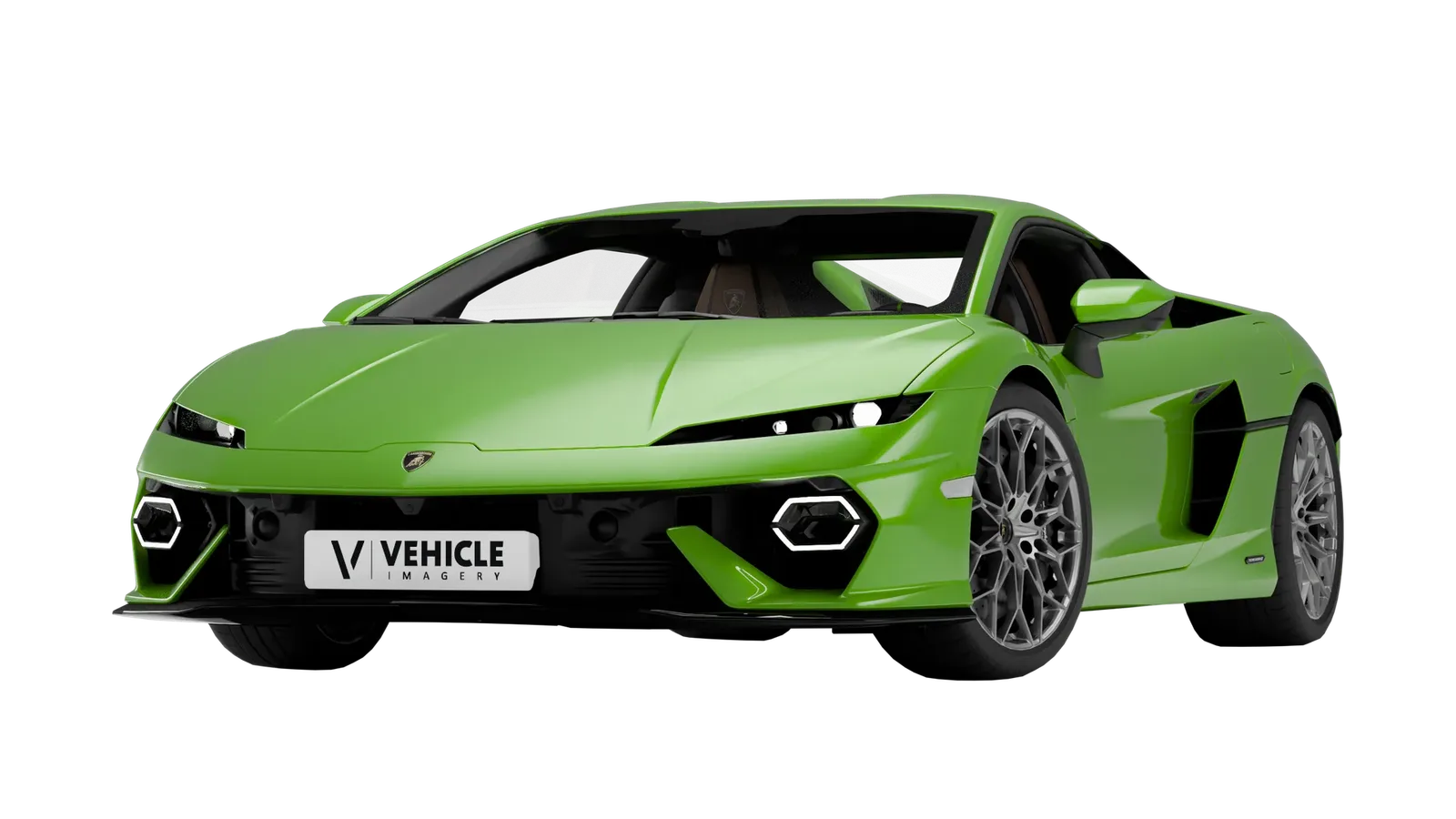
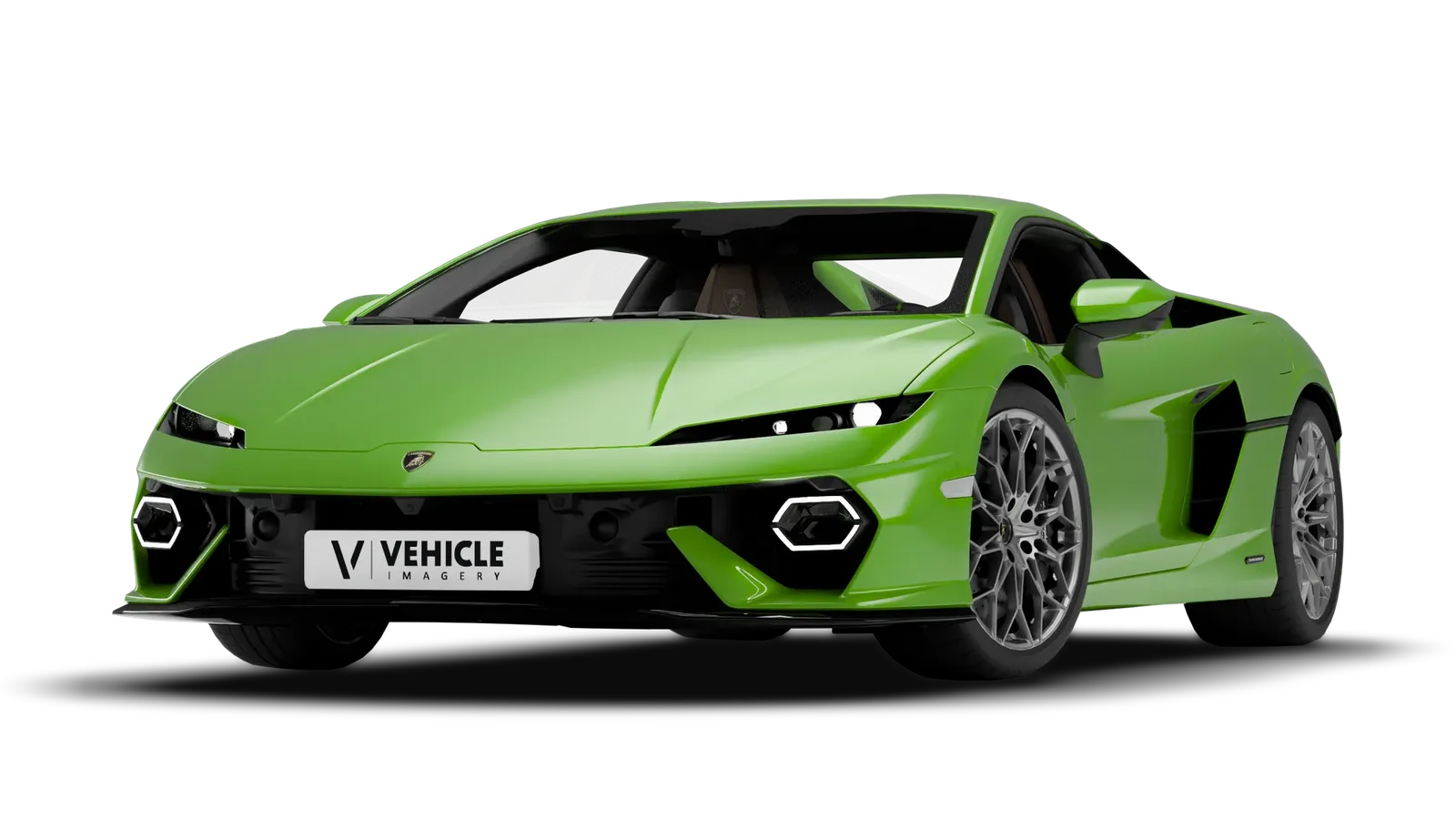 Without shadow shadow=true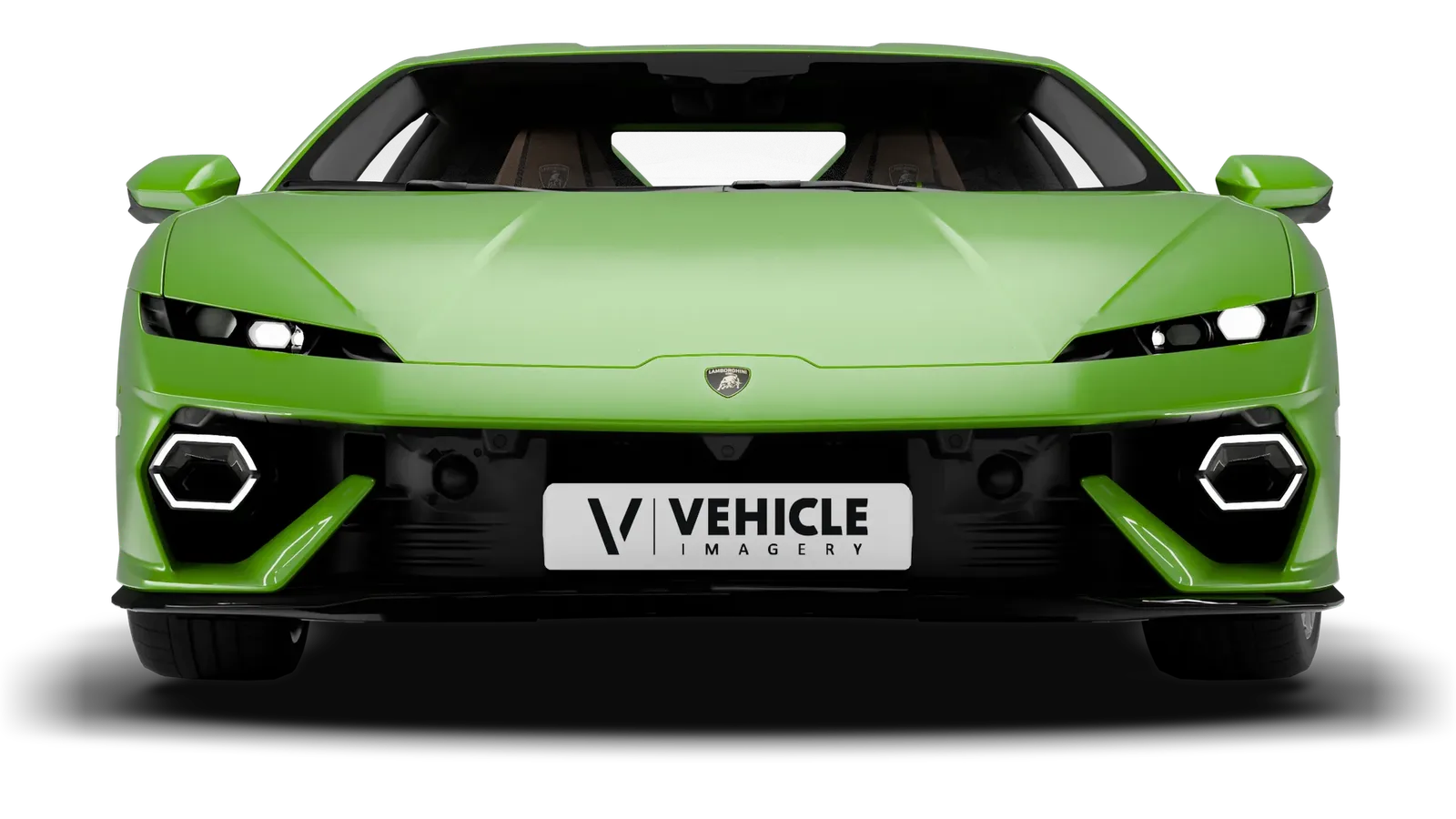
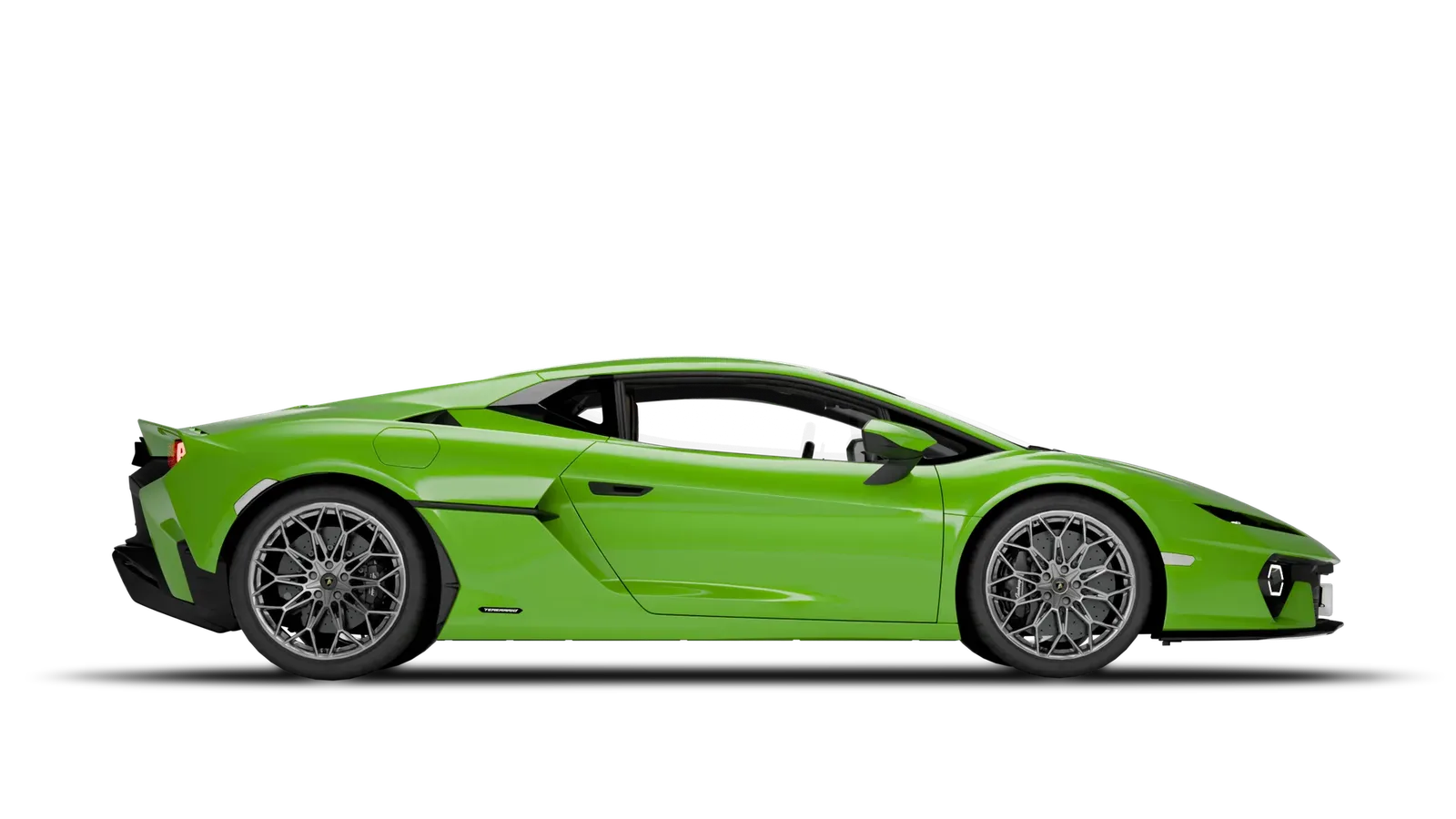
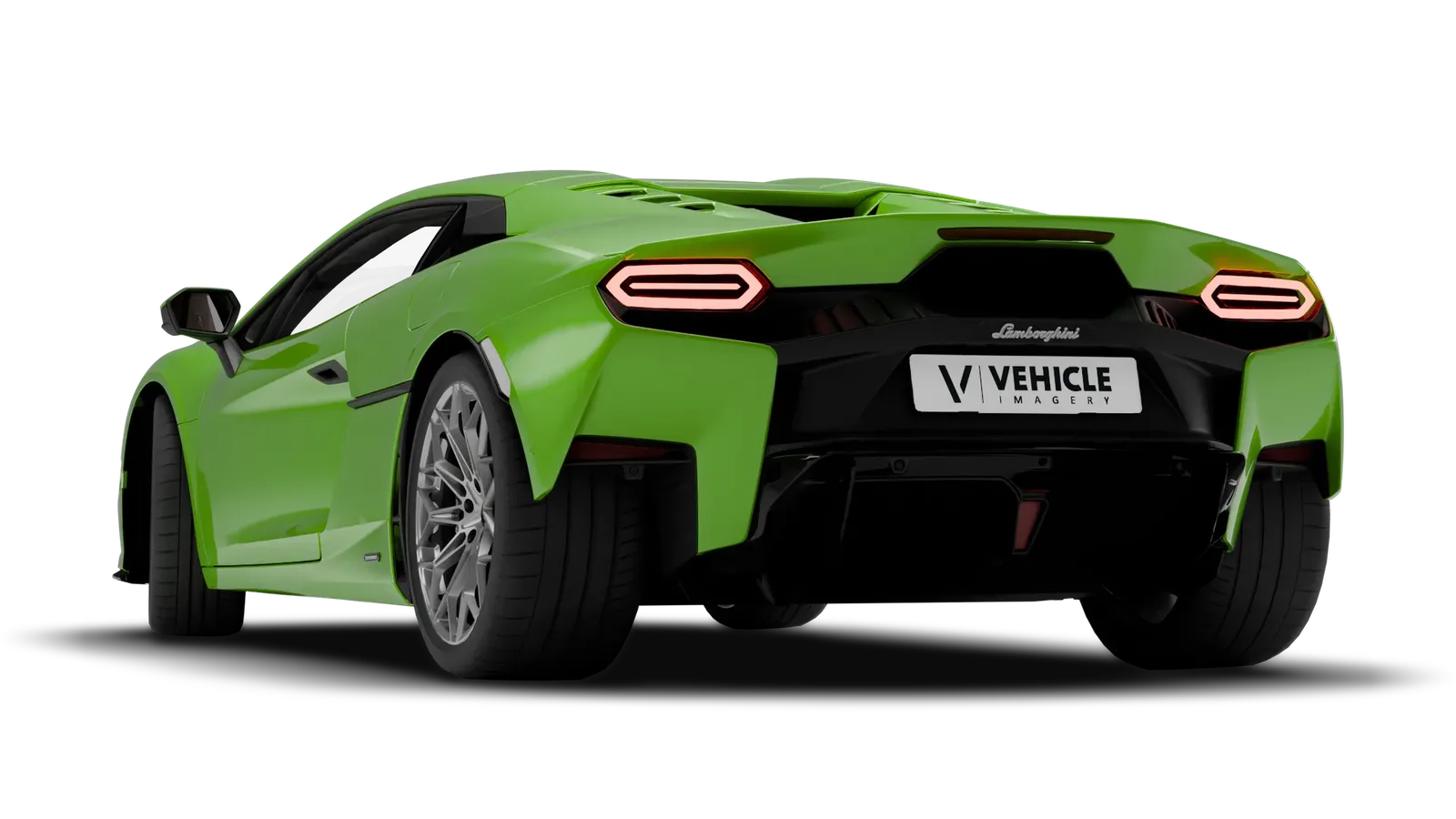
Lights are on wherever the image has a lit variant; send lights=off for the unlit car. With a paint colour, the glow is repainted along with it. Drag to compare.
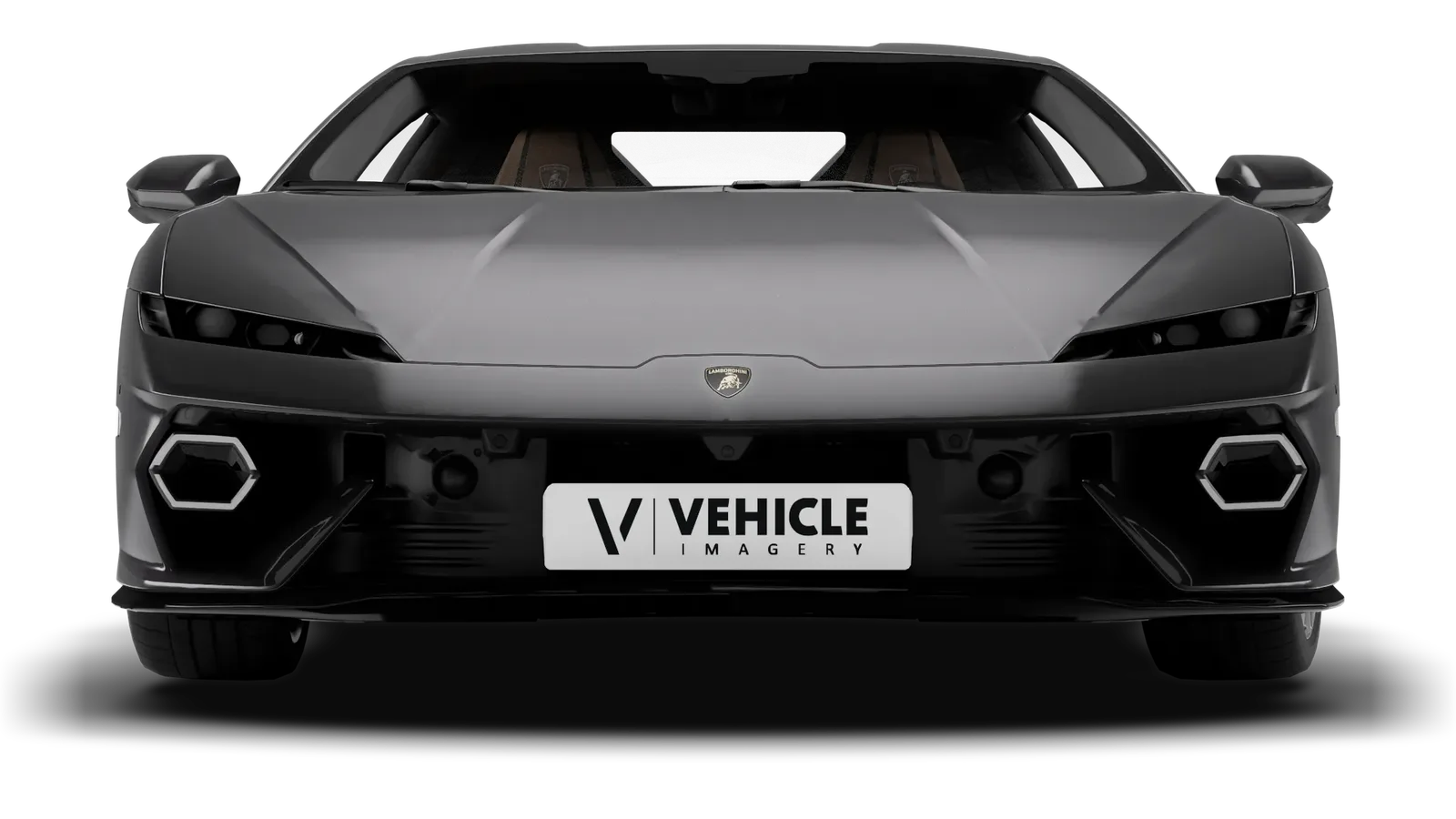
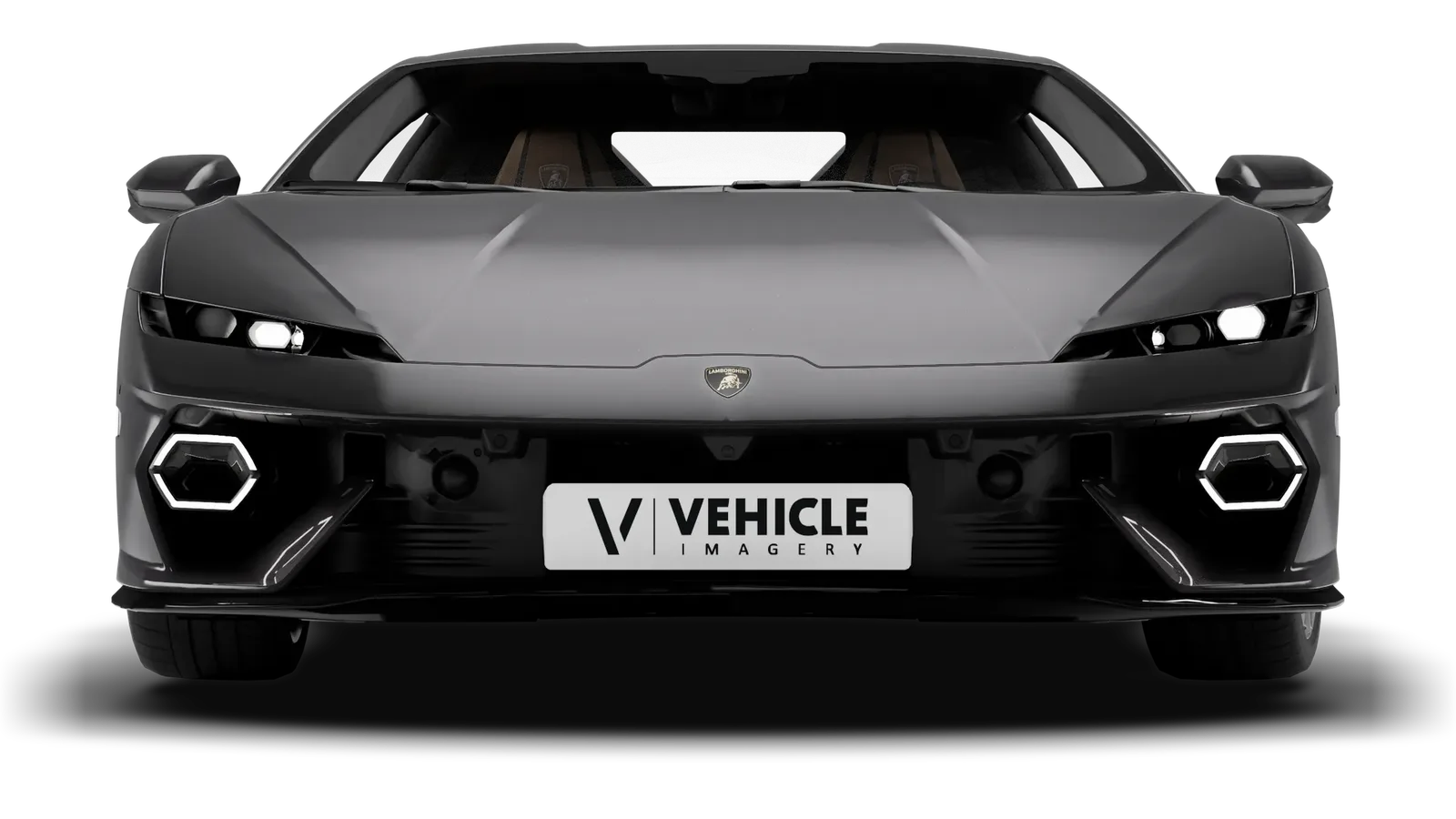 lights=off lights=on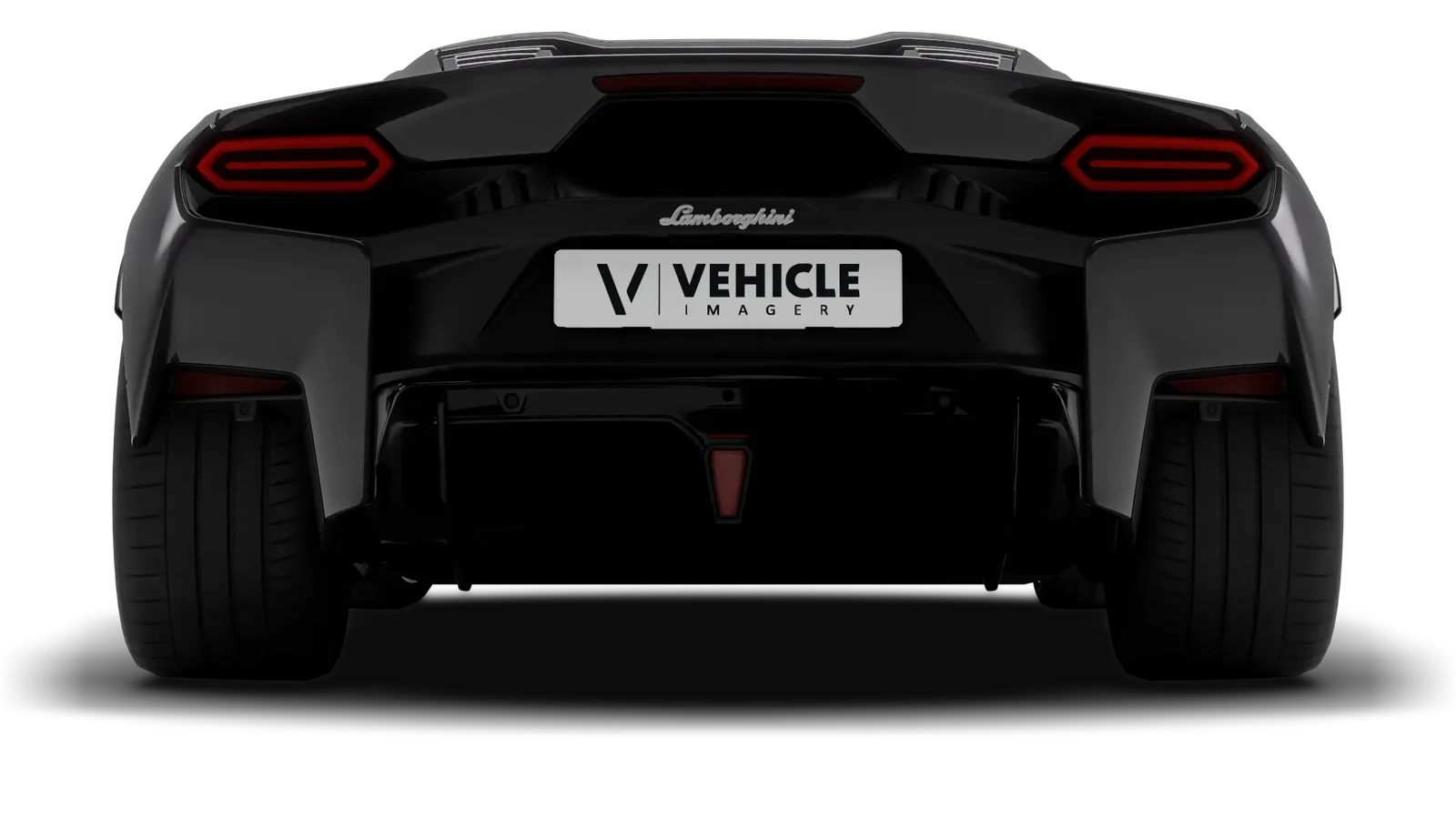
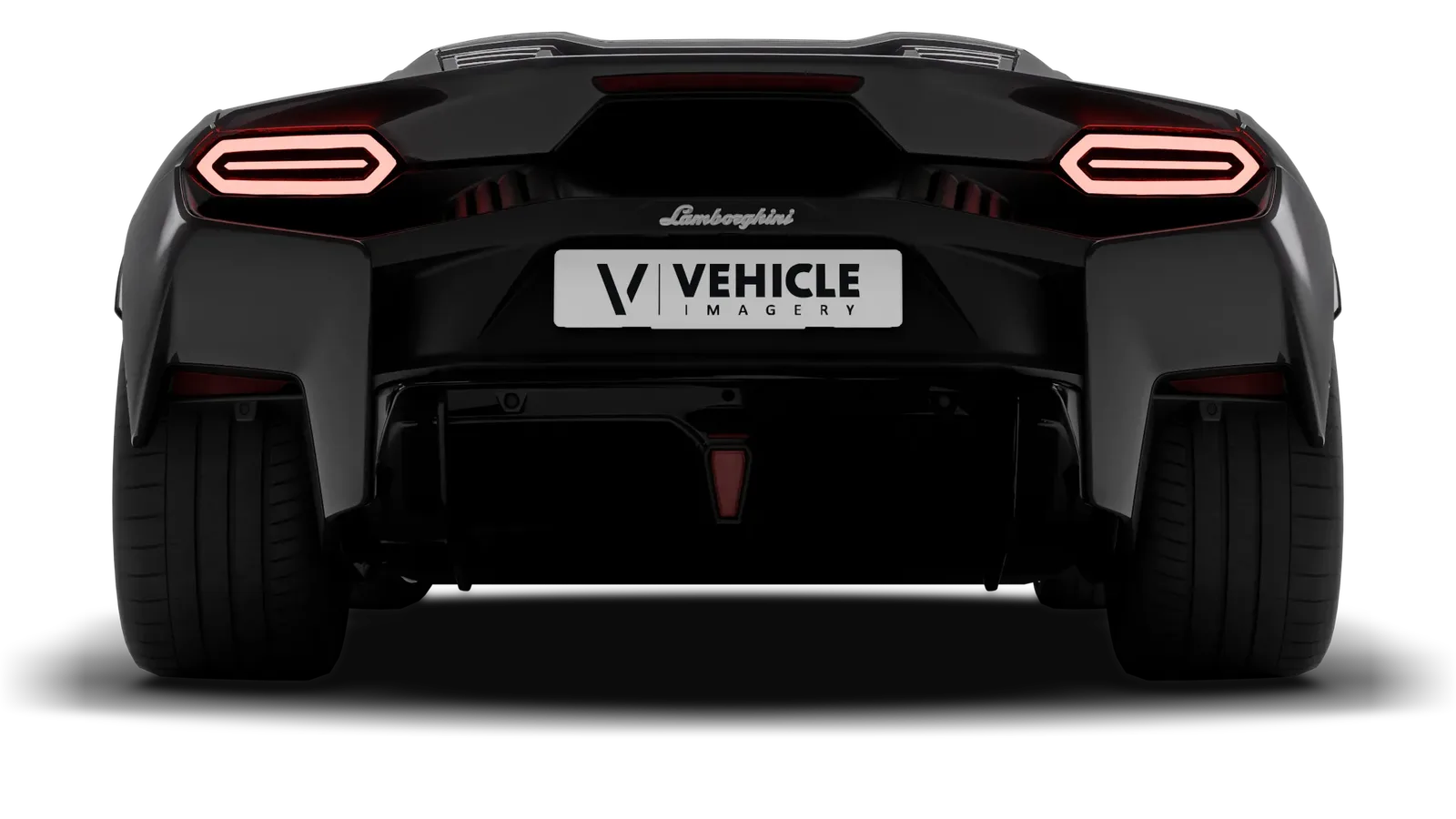 lights=off lights=on
 Shadow and lights are two parameters among the rest. They work together with paint, number plate and background, in every studio angle and on cut-outs.
Every exterior view can have one: add shadow=true. Without it, the car stands on plain white or, cut out, on nothing at all.
Yes. With background=transparent and shadow=true the cut-out car carries its shadow, so it sits naturally on any background you put behind it.
Because a lit car looks finished. Every image that has a lit variant comes with the lights on; send lights=off for the unlit car.
It comes without lights and says nothing about it. Only an explicit lights=on adds a note to the response.
The ground shadow works on every key. Lights on or off are part of the API v2 add-on, and with a paint colour the glow is repainted along with the car.
Tell us which vehicles you list and how they should look. We send back real examples from your own stock, with shadow and lights as you want them.